
MFA Security Strength Calculator
Compare MFA Methods for Your Fintech Application
Select authentication methods to see their relative security strength based on NIST guidelines and industry best practices. Each method is evaluated for phishing resistance, implementation complexity, and compliance with fintech standards.
SMS Verification
Text message code sent to mobile phone
Authenticator Apps
Time-based codes generated by Google/Microsoft Authenticator
Push Notifications
Approve login via mobile app notification
FIDO2 Security Keys
Physical device for phishing-resistant authentication
Biometrics
Fingerprint or facial recognition
Passwordless
FIDO2 passkeys for seamless authentication
MFA Security Assessment
Based on NIST SP 800-63B guidelines and fintech compliance requirements
Method Comparison
Recommendation
When a hacker steals a password, they can walk right into your account. But when they need a second, third, or even fourth key to get in - that’s when they hit a wall. That’s the power of multi-factor authentication. In fintech, where money moves fast and data is priceless, MFA isn’t optional. It’s the difference between a breach and a close call.
Why MFA Is Non-Negotiable in Fintech
In 2023, Microsoft found that 99.9% of compromised accounts had no MFA enabled. That’s not a coincidence. It’s a pattern. Cybercriminals don’t break into systems - they steal passwords. Phishing emails, leaked databases, keyloggers - they all target the same weak point: the password. MFA breaks that chain. Even if your password is stolen, the attacker still needs your phone, your fingerprint, or a physical security key. Fintech companies handle payment data, account numbers, and identity verification. One breach can cost millions in fines, lawsuits, and lost trust. That’s why PCI DSS v4.0, HIPAA, and NIST all require or strongly recommend MFA. Even cyber insurance providers now refuse to cover organizations without it. According to Corvus Insurance, 94% of providers require MFA for administrative access just to qualify for a policy.What Counts as a Real MFA Factor?
Not every extra step is MFA. A username and a password? That’s one factor. A password and a second password? Still one factor. MFA needs different types of proof. NIST SP 800-63B defines three valid categories:- Something you know - password, PIN, security question
- Something you have - phone, hardware key, smart card
- Something you are - fingerprint, facial recognition, voiceprint
The MFA Methods That Actually Work (and Which to Avoid)
Not all MFA is created equal. Some methods are convenient. Others are dangerously broken.SMS Codes - Still Common, But Dying
73% of organizations still use SMS. It’s easy. But it’s also the most hacked. Attackers use SIM-swapping to take over your phone number. Once they do, they get your code. NIST has officially deprecated SMS for new systems. If you’re still using it, you’re running on borrowed time.Authenticator Apps - Better, But Not Perfect
Google Authenticator, Microsoft Authenticator, Authy - these generate time-based codes (TOTP). They’re 10x more secure than SMS because they don’t rely on the phone network. But they’re still vulnerable to phishing. If you trick a user into typing their code into a fake login page, the attacker gets in.Push Notifications - Convenient, But Risky
Push-based MFA (like Microsoft’s approval prompts) is user-friendly. One tap, done. But it’s also prone to “notification fatigue.” Users start approving every alert without thinking. Attackers exploit this with “MFA fatigue attacks” - bombarding users with 20 push notifications until one finally says yes.FIDO2 Security Keys - The Gold Standard
These are physical devices - like YubiKey or Titan Security Key - that plug into USB or connect via Bluetooth or NFC. They use WebAuthn and FIDO2 standards. They’re phishing-proof. Google tested them in 2019: zero successful phishing attacks against employees using security keys. They cost $25-$70 per user. But compared to the average $4.45 million cost of a data breach (IBM, 2023), they’re a bargain. Microsoft’s 2023 report shows 31% of enterprises now use them. That number is climbing fast.Biometrics - Fast, But Tricky
Fingerprint and face unlock are convenient. But they raise privacy concerns under GDPR and CCPA. If your biometric data is stolen, you can’t change it like a password. Use them as a second factor - not the only one.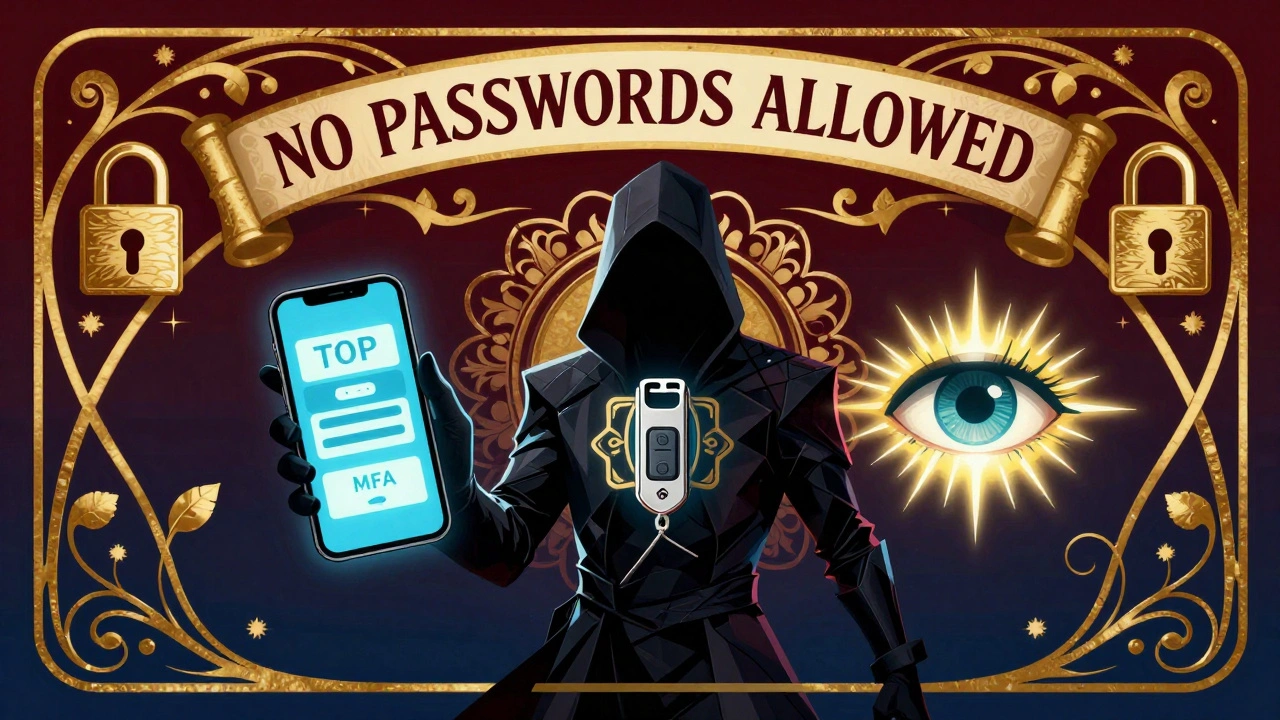
How to Roll Out MFA Without Pissing Off Your Team
The biggest reason MFA fails? Poor rollout. 78% of organizations report user resistance. People hate extra steps. But you can turn that around. Start with a pilot group - admins, finance staff, anyone with access to sensitive data. Let them test it. Collect feedback. Fix the pain points. Then expand. Microsoft recommends a five-step process:- Set up prerequisites (like Microsoft Entra Connect for hybrid environments)
- Configure which methods users can use (push, key, app)
- Apply Conditional Access policies (e.g., “MFA required when logging in from outside the office”)
- Set session timeouts (e.g., re-authenticate every 8 hours)
- Control how users register their devices (don’t let them use unapproved phones)
Don’t Forget the Helpdesk
When MFA rolls out, helpdesk tickets spike. Microsoft’s data shows a 25-35% increase in authentication-related calls in the first 30 days. That’s normal. But you can reduce it. Train your helpdesk team to handle common issues: lost phones, forgotten codes, locked accounts. And don’t let them reset MFA over the phone. That’s a backdoor. Okta’s solution? Have a manager authenticate the user first. Then, IT can reset MFA securely. This cuts recovery time by 65%.Adaptive MFA - The Future Is Smart
Static MFA - “always require a code” - is outdated. The future is adaptive. Imagine this: You log in from your home laptop, at your usual time. No extra steps. Now you log in from a hotel in Tokyo, on a new device, at 3 a.m. The system says: “We need to verify this is you.” That’s risk-based authentication. Microsoft’s 2024 roadmap includes AI-driven risk scoring. It looks at location, device health, behavior patterns, and network signals. Low risk? Skip MFA. High risk? Require a security key. Gartner predicts 70% of enterprise MFA systems will use adaptive methods by 2026. It’s not just security - it’s experience. You protect the high-risk actions without annoying the rest.
What’s Next? Passwordless Is Here
The end goal? No passwords at all. Microsoft launched passwordless sign-in with Microsoft Authenticator in early 2024. Users log in with a fingerprint or a security key. No typing. No codes. No phishing. Apple, Google, and Microsoft now all support passkeys - FIDO2 credentials stored in your iCloud Keychain, Google Password Manager, or Windows Hello. Passkeys work across devices. They’re encrypted. They’re phishing-resistant. By 2026, most fintech apps will offer passwordless as the default. The transition is already underway. The question isn’t whether to adopt it - it’s how fast you can move.Final Checklist: Are You Doing MFA Right?
Here’s what real compliance and security look like:- ✅ No SMS for new users - use FIDO2 or authenticator apps
- ✅ MFA required for all administrative access - not just some
- ✅ MFA enforced for all users, not just high-risk roles
- ✅ Users can’t bypass MFA with alternate passwords
- ✅ All cryptographic modules are FIPS 140-2 or 140-3 validated
- ✅ You have documentation proving MFA is enforced - audits check this
- ✅ You monitor for MFA fatigue attacks and suspicious logins
- ✅ You’re testing passwordless options and planning a rollout
Why This Matters More Than Ever
The fintech world doesn’t wait. Hackers don’t sleep. Regulations tighten every year. Cyber insurance is harder to get. Customers expect bulletproof security. MFA isn’t a checkbox. It’s a culture. It’s about building systems that assume someone will try to break in - and making sure they fail. Start with your admins. Move to finance. Then roll it out company-wide. Ditch SMS. Test FIDO2. Prepare for passwordless. Document everything. The most secure company isn’t the one with the fanciest firewall. It’s the one that makes sure no one can log in without proving they’re really who they say they are - every single time.Is SMS-based MFA still safe for fintech?
No. SMS-based MFA is vulnerable to SIM-swapping, interception, and social engineering. NIST deprecated it for new systems in 2020, and most fintech regulators now consider it non-compliant for sensitive data access. Replace it with FIDO2 security keys or authenticator apps.
Can I use biometrics alone for MFA?
No. Biometrics count as one factor - something you are. MFA requires at least two different types. You need a biometric plus something you have (like a phone) or something you know (like a PIN). Using biometrics alone leaves you open to spoofing and violates NIST and PCI DSS requirements.
What’s the difference between TOTP and FIDO2?
TOTP (Time-Based One-Time Password) generates codes on your phone or app that expire after 30-60 seconds. It’s better than SMS but still vulnerable to phishing if users enter codes manually. FIDO2 uses cryptographic keys stored on a physical device (like a security key). It’s phishing-resistant, requires no typing, and is the most secure option available today.
Does MFA slow down user access?
Well-designed MFA adds less than 2 seconds to login time, according to Okta’s enterprise surveys. FIDO2 and passwordless methods are often faster than typing passwords. The real slowdown comes from poor implementation - like forcing users to enter codes on slow networks or requiring multiple steps unnecessarily.
How do I get buy-in from employees who hate MFA?
Explain why it protects them - not just the company. Show them how MFA prevents account takeovers that could freeze their payroll, steal their personal data, or lock them out of work tools. Offer training videos, not manuals. Let them choose their method (push, key, app). And reward early adopters. People resist change - but they support protection.
What if I lose my security key?
Always register at least two security keys - one primary, one backup. Store the backup in a safe place. Most platforms (like Microsoft Entra) let you enroll multiple keys. If you lose both, you’ll need a recovery code or an admin-assisted reset. Never rely on SMS or email for recovery - that defeats the purpose.
Is MFA required by law for fintech companies?
Yes, in many cases. PCI DSS v4.0 requires MFA for all administrative access to cardholder data. NIST SP 800-63B requires it for government systems handling PII. HIPAA guidance now strongly recommends MFA for protected health information. And most cyber insurance policies require it. Failing to implement MFA can be seen as negligence in court.
Can I use MFA with legacy systems?
Yes - but it’s harder. Many older systems don’t support modern protocols like FIDO2 or WebAuthn. Use a proxy or identity gateway (like Azure AD or Okta) to add MFA in front of legacy apps. This lets you secure access without rewriting the system. It’s not ideal, but it’s a proven workaround for regulated environments.
What’s the cost of implementing MFA?
Authenticator apps are free. FIDO2 security keys cost $25-$70 per user. Cloud-based MFA (like Microsoft Entra) is often included in enterprise licenses. The real cost is time - training, rollout, helpdesk support. But the average cost of a data breach is $4.45 million. MFA costs pennies in comparison.
When will MFA become mandatory for all users, not just admins?
It already is - for compliance. PCI DSS, NIST, and cyber insurers now require MFA for all users with access to sensitive data. Fintech companies are moving fast: 83% of enterprises use MFA, but only 57% apply it to everyone. The trend is clear - if you’re not enforcing it company-wide, you’re at risk.
Julia Czinna
I’ve been using a YubiKey for my fintech work since last year, and honestly? It’s the only thing that makes me sleep at night. No more worrying about phishing emails or SIM swaps. I just tap it, and I’m in. No typing, no codes, no stress. The $40 I spent was the best security investment I’ve ever made.
Also, if your company still uses SMS for MFA, please, for the love of all that’s holy, fix it. I’ve seen too many colleagues get locked out after their number got ported. It’s not a feature-it’s a liability.